Product
How to Transcribe Your Footage Locally on Your Mac
Choosing the right tool to analyze your personal data, or your client’s personal data, is important. That’s why we believe the best way to do it is offline: no cloud, with transcription running locally on your Mac.
In Sequence, every word is processed entirely on your Mac. There are no uploads, no waiting on a server, and, most importantly, no footage leaves your machine. That’s critical for editors working with sensitive client content.
Quality and accuracy are also key points to consider. That’s why we chose NVIDIA’s industry-leading Parakeet V3, their latest speech recognition model.
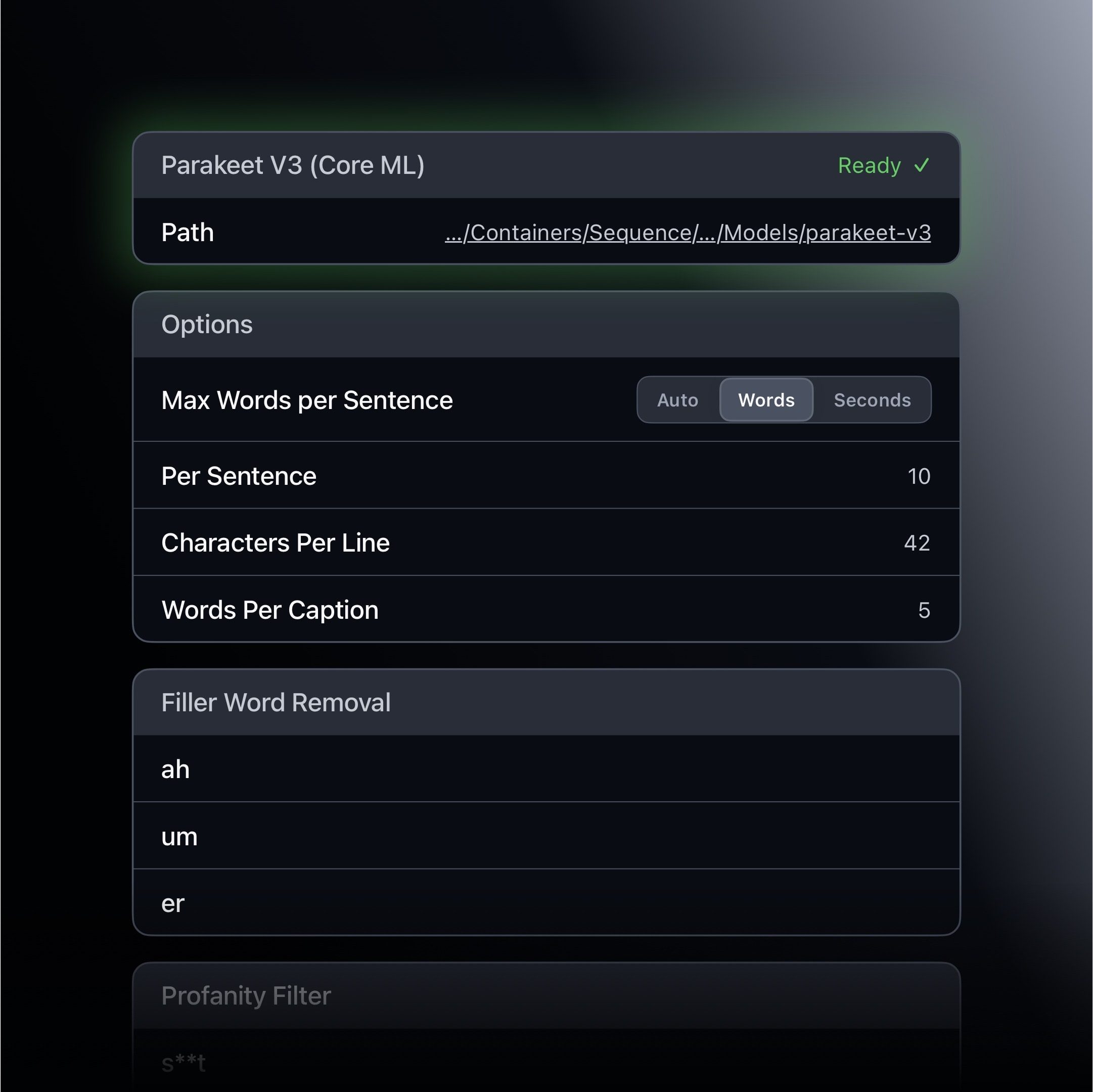
When you first start Sequence, either as a trial or licensed customer, you’ll be prompted after your first media import to download our optimized version of NVIDIA’s Parakeet V3. It’s less than 1GB, runs fast, and retains the accuracy rating published by NVIDIA.
On your first transcription run, Sequence will prepare the freshly downloaded model so that subsequent runs are faster. We’ve also optimized Sequence so system memory usage stays as low as possible. The model is only loaded when it’s needed, so you can work in Sequence even while on battery.
If you want to go deeper on why we converted and optimized the model for Core ML, and what that means for performance, we wrote about that here.
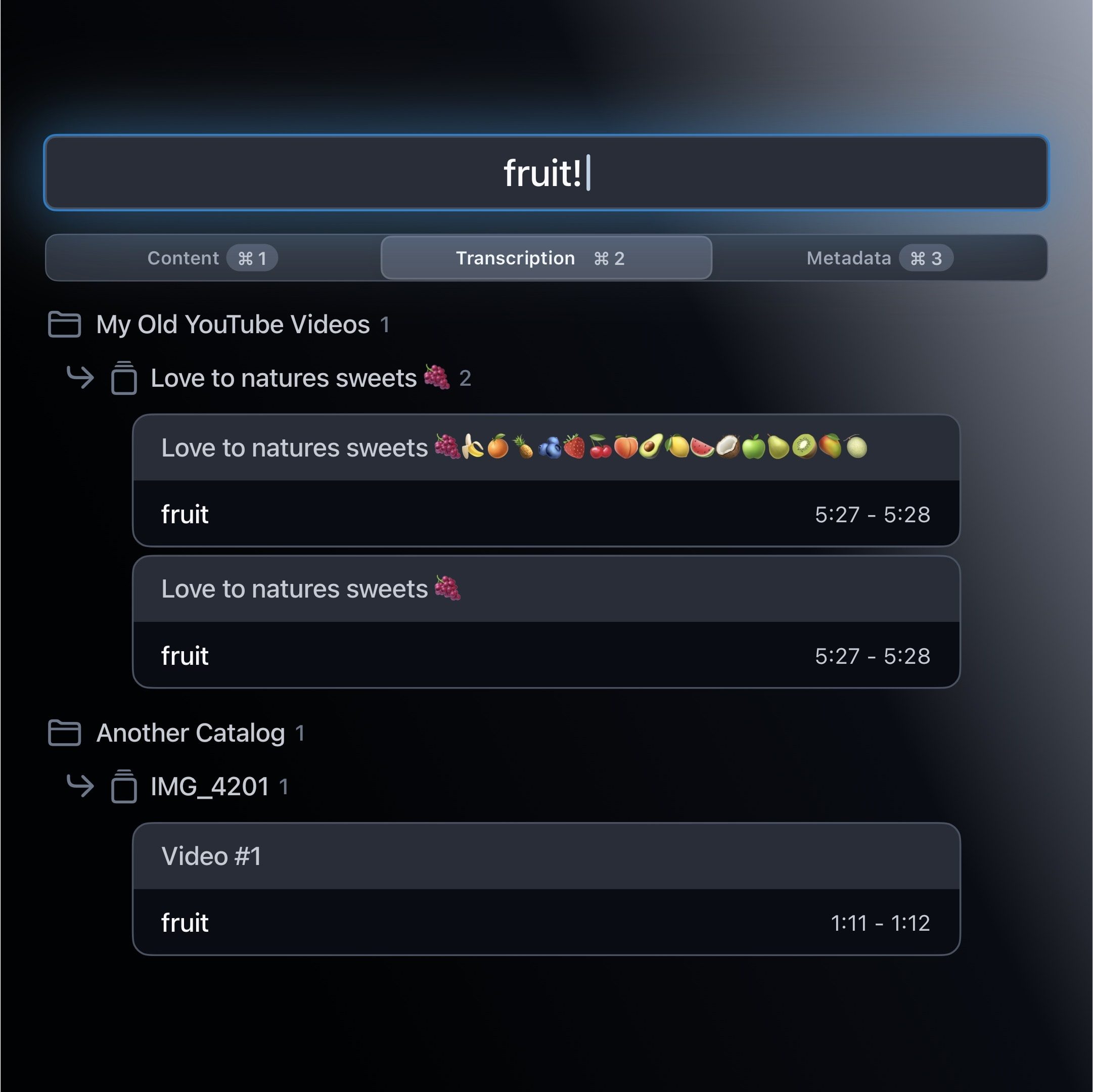
Once your project has been transcribed, every word becomes searchable across your entire library through Global Search. Find any spoken moment, across every catalog, instantly. Great for finding a video from the archives that features a trending topic.
Another great reason to transcribe in Sequence is the ability to clean up your footage. Remove filler words to keep the timeline tight or or apply censorship choices such as redacting profanity with a BEEP! (this becomes a separate audio track in Final Cut Pro with tasteful fade to soften the bite).
Or export to Final Cut Pro and work with native titles there, applying your brand polish and styles.
Thanks for reading,
Peace,

James Seddon, Founder