Product

Getting Started with Sequence
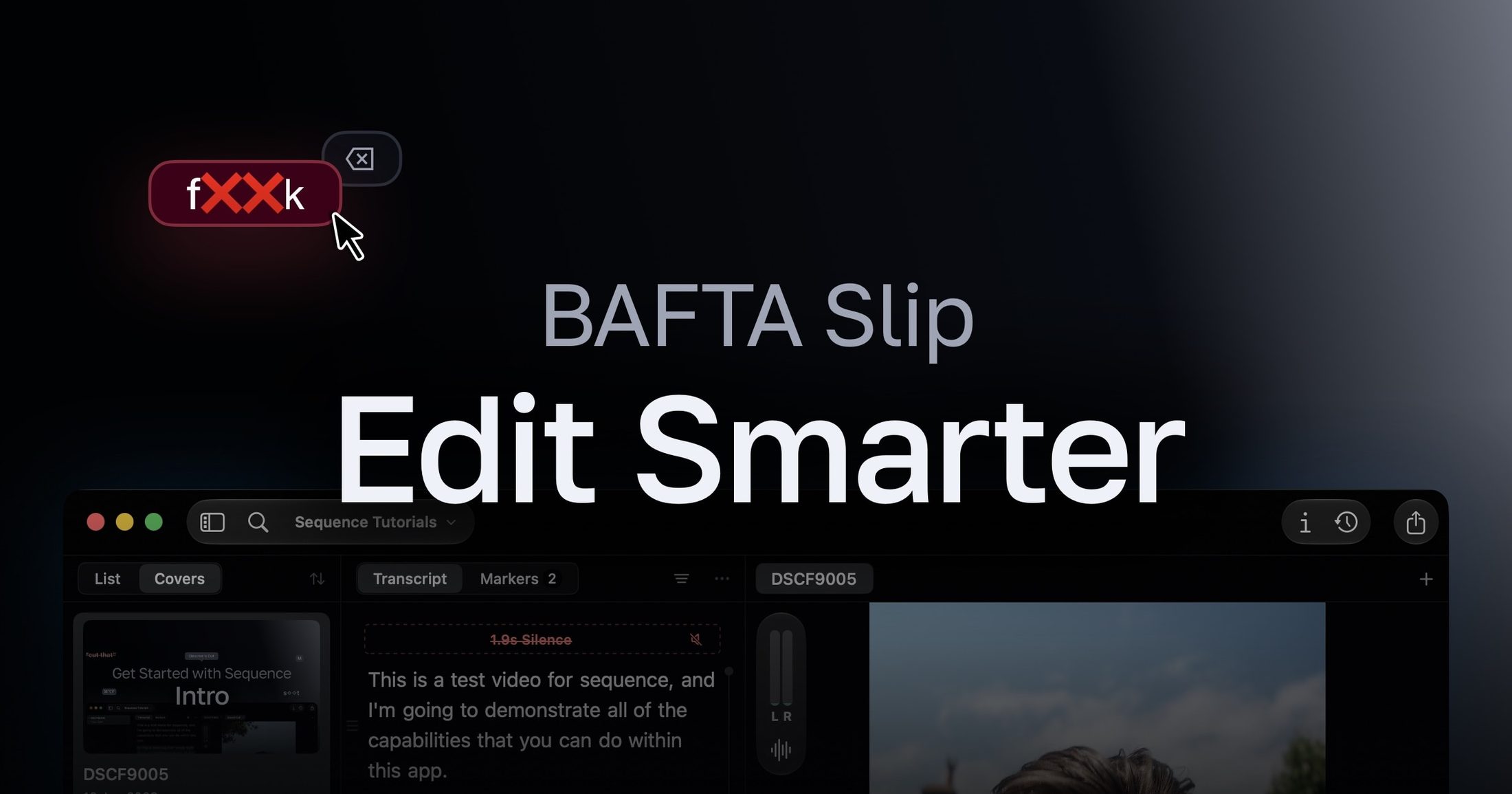
Sequence is a native macOS app built for video editors who use Final Cut Pro. Helping you with the tedious tasks; transcription, audio normalization, transcript cleanup (profanity or filler words), and media conversions. Sequence remains a “soft-edit” tool, meaning your source files stay untouched throughout retaining full quality and the ability to further edit in FCP.
0. Download
Sequence requires macOS Sequoia 15 or later on Apple Silicon (M1 or later). If you haven't already, head to the Download page, install the app, and activate your one-time license (trial available). You can manage your device seats anytime from your account page on the website.
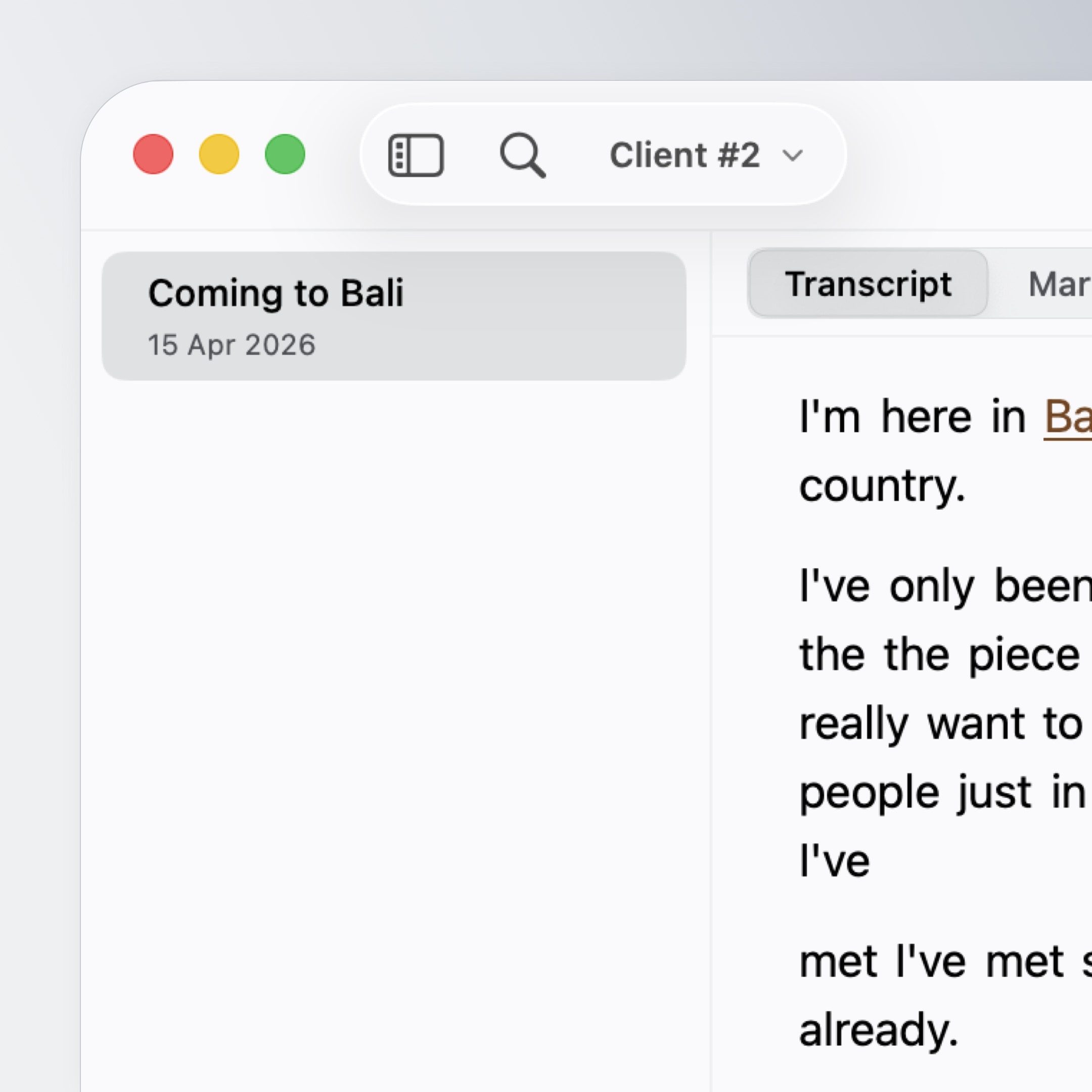
1. Import Your Media
Bring in footage from local storage, an external drive, or the network. Sequence works non-destructively (soft-edit), so your original files are never modified, or re-encoded unless you explicitly ask it to (during remux or conversions without overriding the original media).
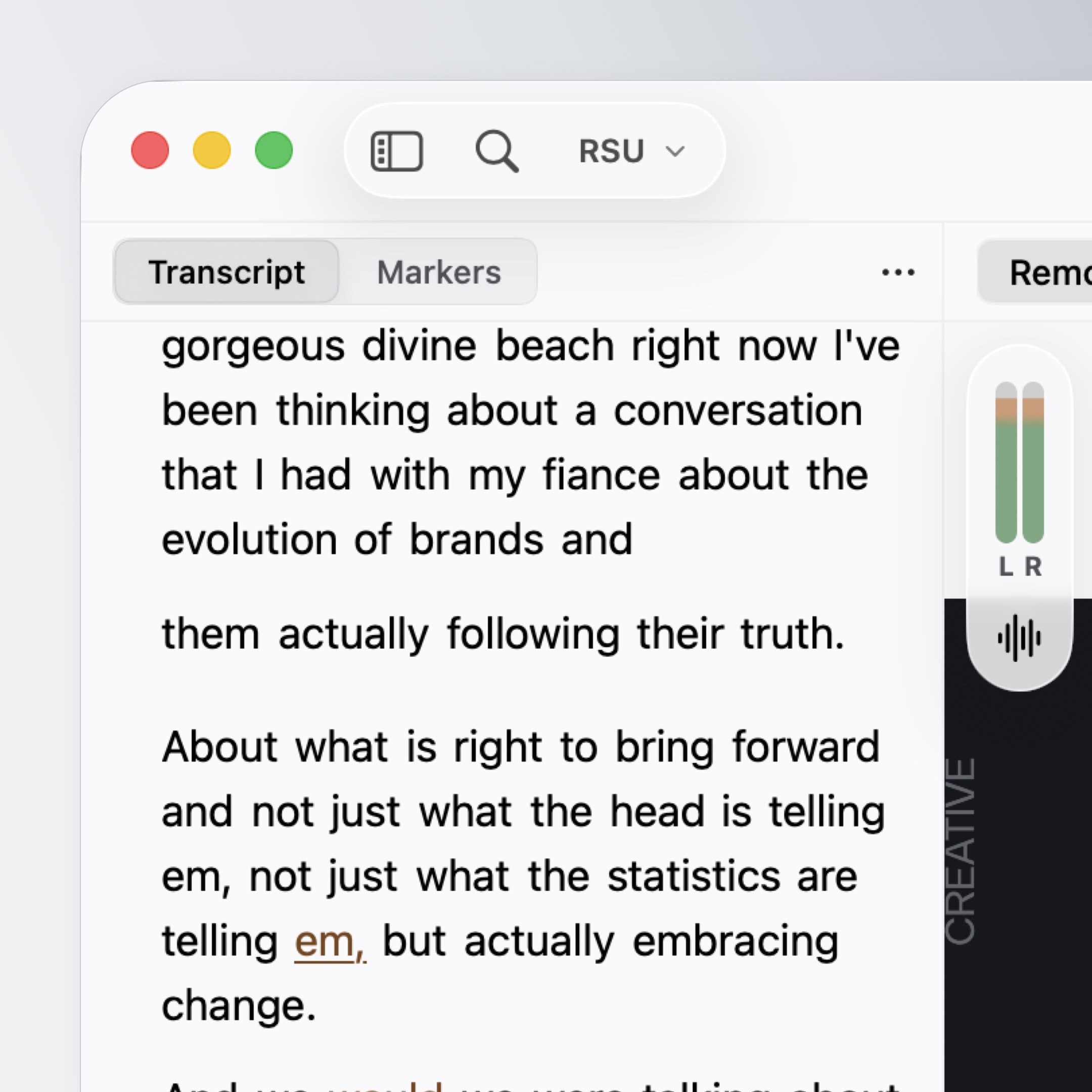
2. Transcribe On-Device
Sequence’s engine is powered by Core ML which is rapid on Apple Silicon! This transcribes your clips entirely offline. Nothing is uploaded to the cloud. We currently support a wide range of European languages and we are continuing to look at other models to provide a better experience for the Asian market.
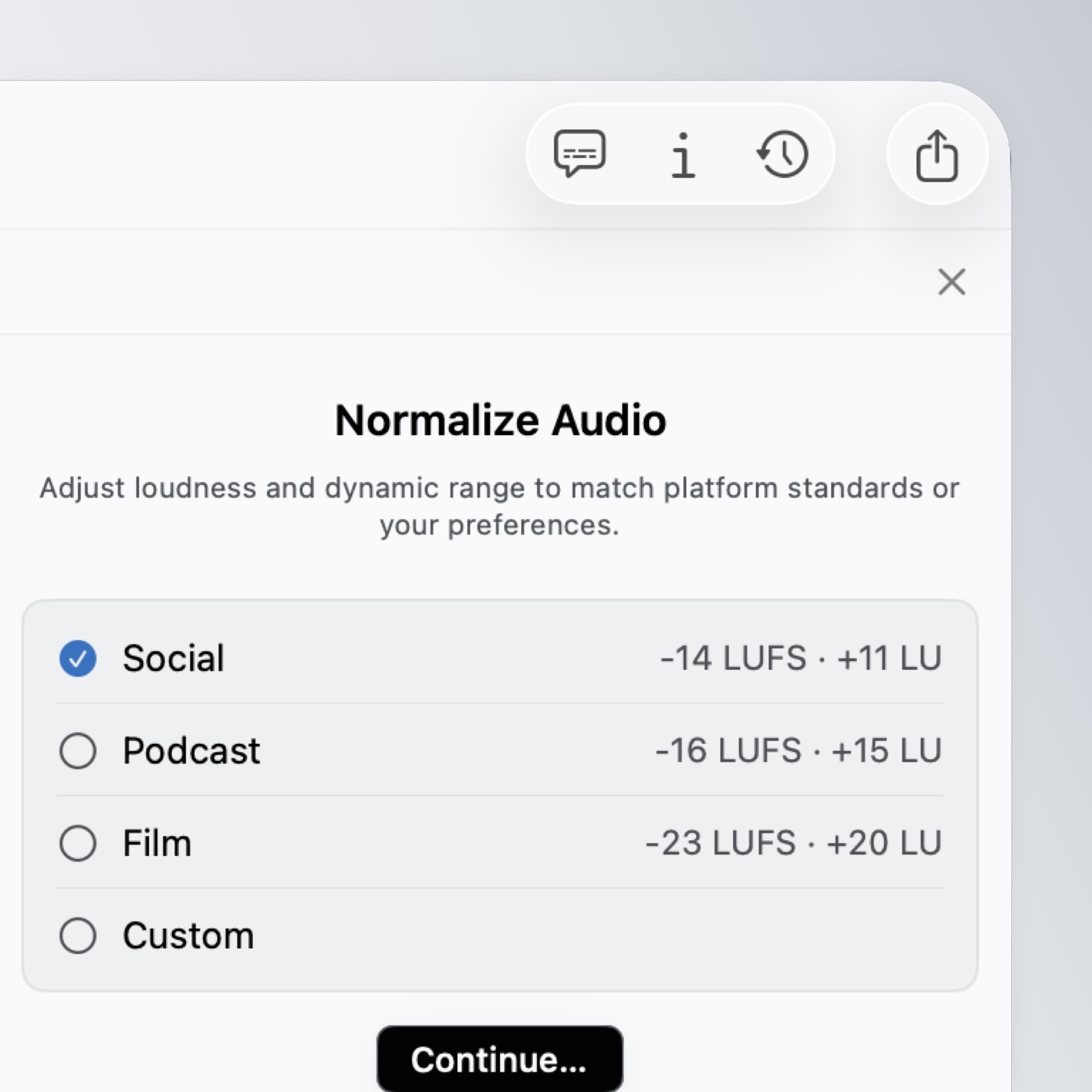
3. Normalize Audio
Sequence targets levels suited to YouTube, social platforms, and broadcast, so you're not doing manual gain adjustments clip by clip in FCP. Balance perceived loudness across your clips using BS.1770-4-style normalization measurement.
4. Clean the Transcript
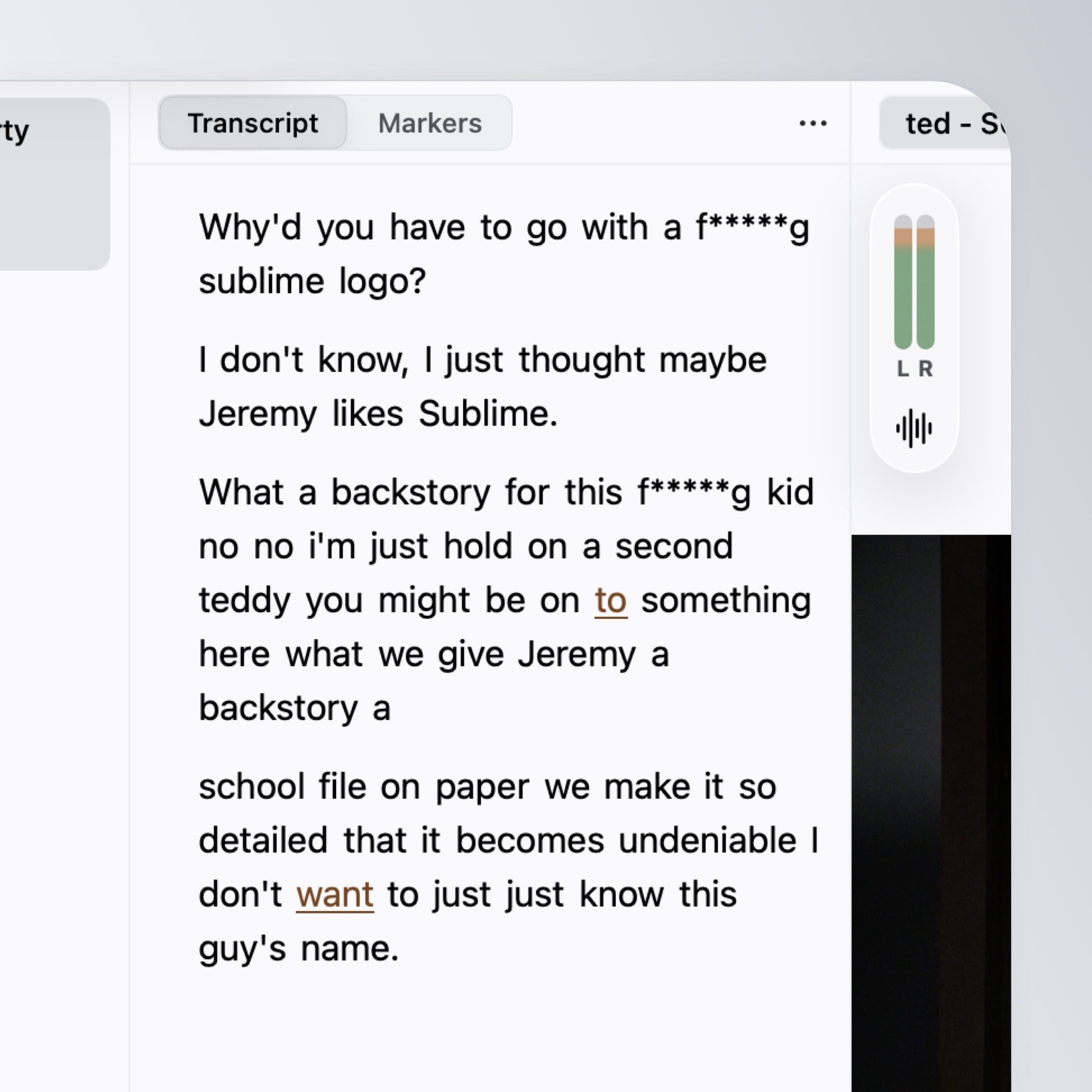
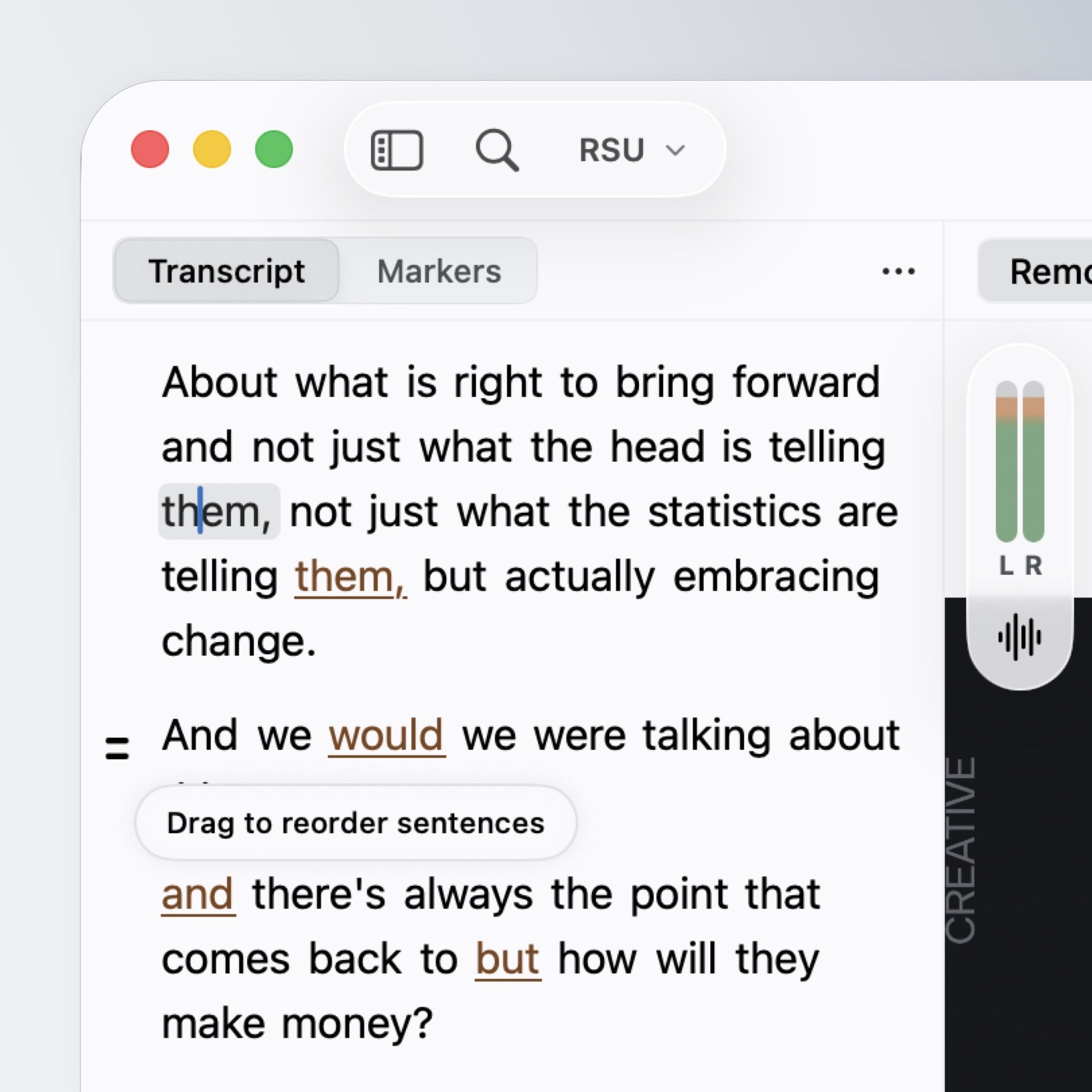
Edit your content the fast way: Disable sentences or words, reorder sections, and correct the transcript text. You can also turn on our filters which remove filler words and profanity! Within the profanity filter you have the options to skip, beep, or redact with caption-style overlays.
5. Export to Final Cut Pro
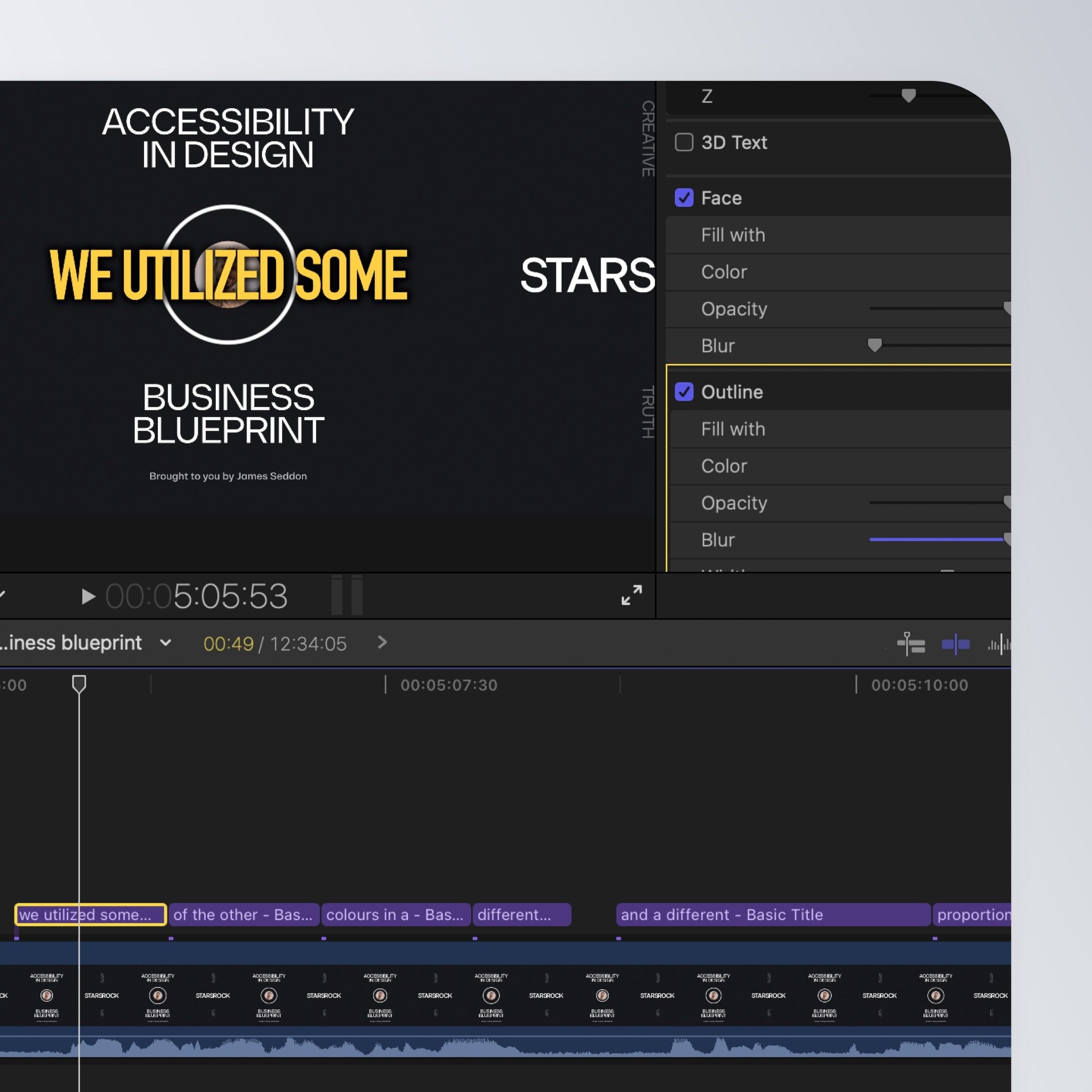
Send a timeline-ready project directly to FCP. Your source media remains intact, and your transcript edits arrive as Final Cut–native titles so you can style them with your own presets and effects.
6. Organize Your Media
- Catalogs let you structure projects by client, year, channel, or whatever system fits your workflow.
- Variants let you create multiple cuts from the same source media, social edits, director's cuts, experiments, without duplicating files.
- Global Search lets you find keywords, formats, or variant names across all your catalogs and projects in one place, super helpful when trying to find a video from last year when you mentioned a, now trending word!
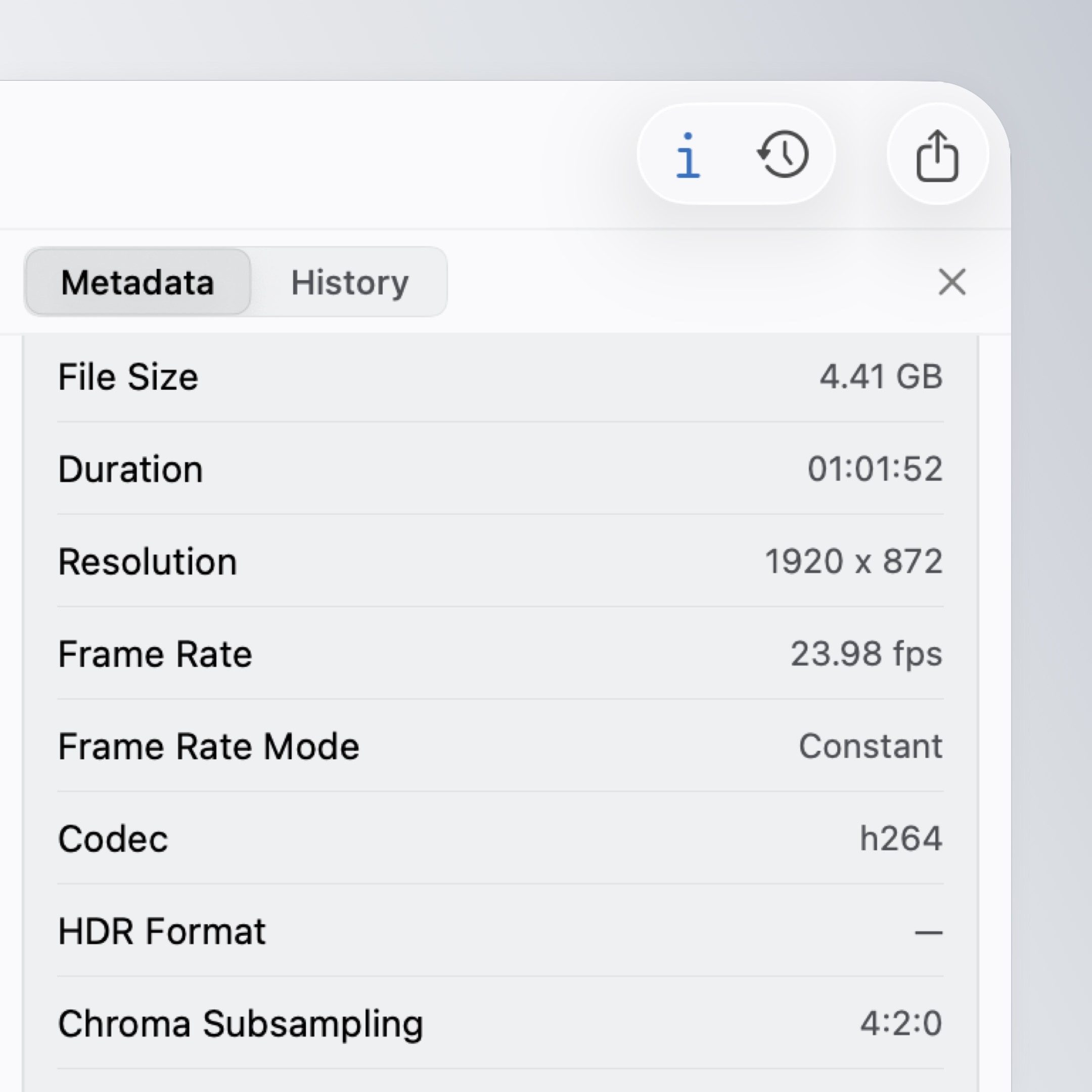
- Metadata gives you a detailed look at media’s sepc, Dolby Vision, colour spaces (Rec.709, Rec.2020, DCI-P3, etc), resolution and more.
7. Privacy
Sequence asks whether you'd like to share optional analytics and error reports. This is entirely consent-based and can be changed at any time in macOS Settings for Sequence or within your online account. For details on what's collected and how it's handled, see the Privacy Policy.
Getting Help
- Support: Use the link in the site footer
- In-app bug reports: Use the Report an Issue option, it automatically includes your app version and device info
- Quick answers: Check the FAQ on the homepage
- Security issues: Please follow the private disclosure process on the security page rather than posting publicly